How to Publish an AI Podcast to Spotify
To publish an AI podcast to Spotify: generate and download the episode audio, host it somewhere that provides an RSS feed (a podcast host or Spotify for Creators), then submit that feed to Spotify once. New episodes then appear automatically.
Getting an AI podcast onto Spotify works exactly like getting any podcast onto Spotify — the audio's origin doesn't change the mechanics. Generate and download the episode, host it somewhere that provides an RSS feed, and submit that feed to Spotify once; from then on, new episodes appear automatically. Here's the full path.
The Key Concept: Spotify Reads a Feed, Not Files
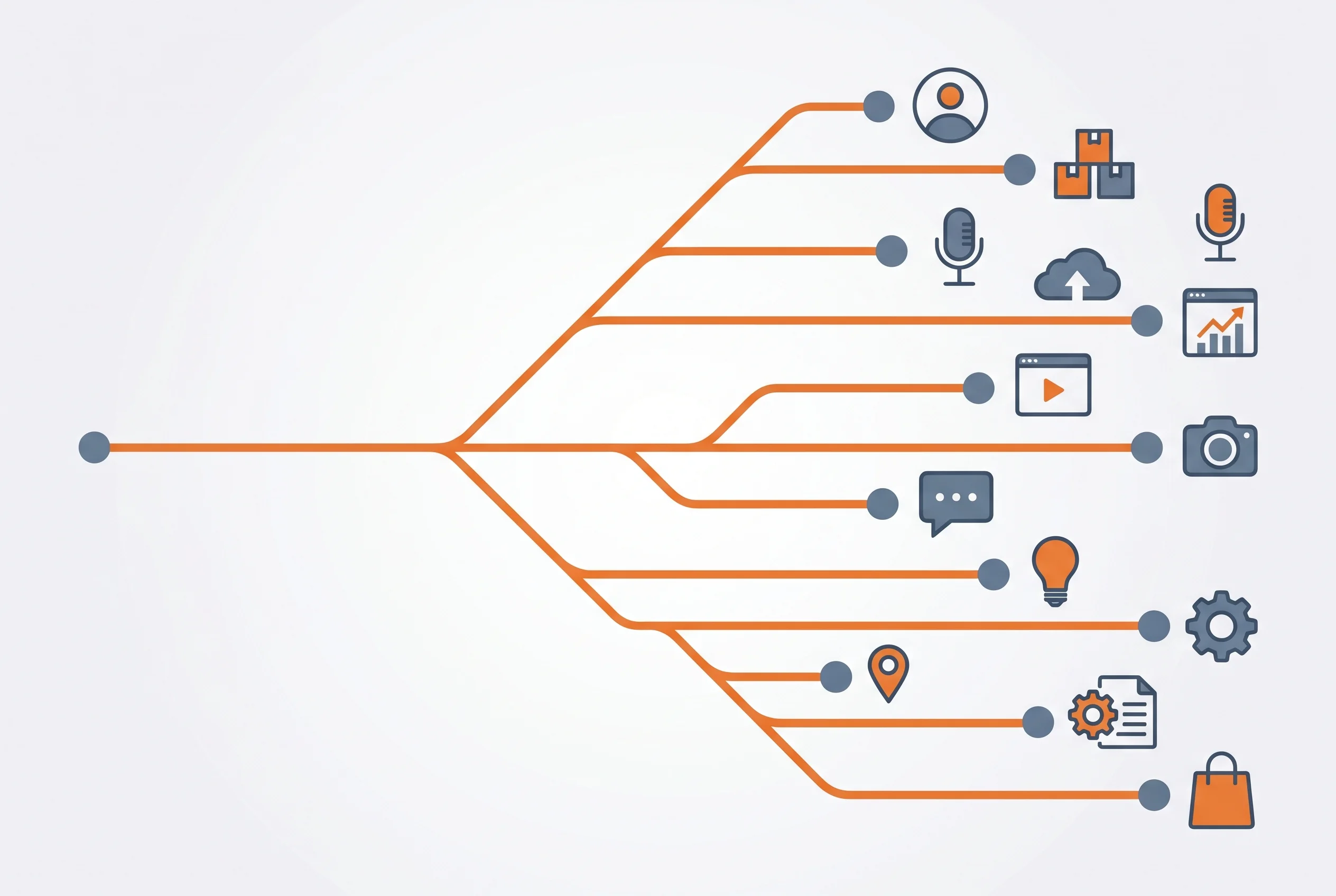
The thing that trips people up: for an ongoing show, you don't upload episodes to Spotify one by one. Spotify subscribes to an RSS feed — a single web address that lists your episodes. You submit that feed once, and Spotify checks it for new episodes from then on. So the real task is "get your audio into a feed," not "upload to Spotify." More on this in do you need an RSS feed for an AI podcast.
Step-by-Step
- Generate and download the episode. Create the episode in DIALOGUE, review the script, and download the finished audio file once it's done.
- Choose where the feed lives. Two common options:
- A podcast host (Buzzsprout, Transistor, Podbean, etc.) — you upload the audio, they give you an RSS feed.
- Spotify for Creators — it can host your audio and generate the feed for you, then distribute to Spotify directly.
- Upload the audio and add episode details. Title, description, and cover art. Put your AI disclosure in the description here (see AI podcast disclosure).
- Submit the RSS feed to Spotify (skip this if you used Spotify for Creators, which handles it). This is a one-time step.
- Publish future episodes to the same feed. They appear on Spotify automatically.
Host vs. Spotify for Creators
| Podcast host | Spotify for Creators | |
|---|---|---|
| Distributes beyond Spotify | Yes (Apple, etc.) | Spotify-focused |
| Owns the feed | You / portable | Spotify-managed |
| Best for | Multi-platform shows | Spotify-first, simplest start |
If you want to be on Apple Podcasts and others too, a standalone host keeps your feed portable. If you only care about Spotify and want the simplest path, Spotify for Creators is fastest.
Need an episode to publish? Create one free with DIALOGUE — generate, review, and download the audio, then drop it into your feed. First 2 episodes free.
A Few Things to Get Right
- Cover art has size requirements (typically a square image around 3000×3000). Have one ready.
- Episode descriptions are prime real estate — include your AI disclosure and any links.
- Consistency matters for discovery; a recurring show workflow makes regular publishing sustainable, and the same audio can feed YouTube too.
Bottom Line
Publishing an AI podcast to Spotify is a feed exercise, not a per-episode upload. Make the episode in DIALOGUE, download the audio, host it for an RSS feed (or let Spotify for Creators do it), submit the feed once, and keep adding episodes. The AI origin changes nothing about the process — just disclose it and keep the quality high.
Make your first episode now. Start free with DIALOGUE — generate, review, and download an episode ready for your feed. 2 free episodes.
Written by
Chandler NguyenAd exec turned AI builder. Full-stack engineer behind DIALØGUE and other production AI platforms. 18 years in tech, 4 books, still learning.
Related Articles

Ready to create your own podcast?
Turn any topic or document into a professional podcast — with outline and script review before audio.
Create a Podcast