What’s New in DIALØGUE for iOS
The latest DIALØGUE iOS update focuses on listening, review, offline use, Series, and localized creation flows across seven languages.
The latest DIALØGUE iOS work is not just a visual refresh. It changes where the app puts its attention.
DIALØGUE for iOS now feels more like a listening and creation companion: fewer tabs, clearer review gates, synced transcripts, offline listening, Series, and localized App Store screenshots across seven languages.
A simpler app structure
The iOS app now centers on three primary tabs:
- Listen for your library and finished episodes
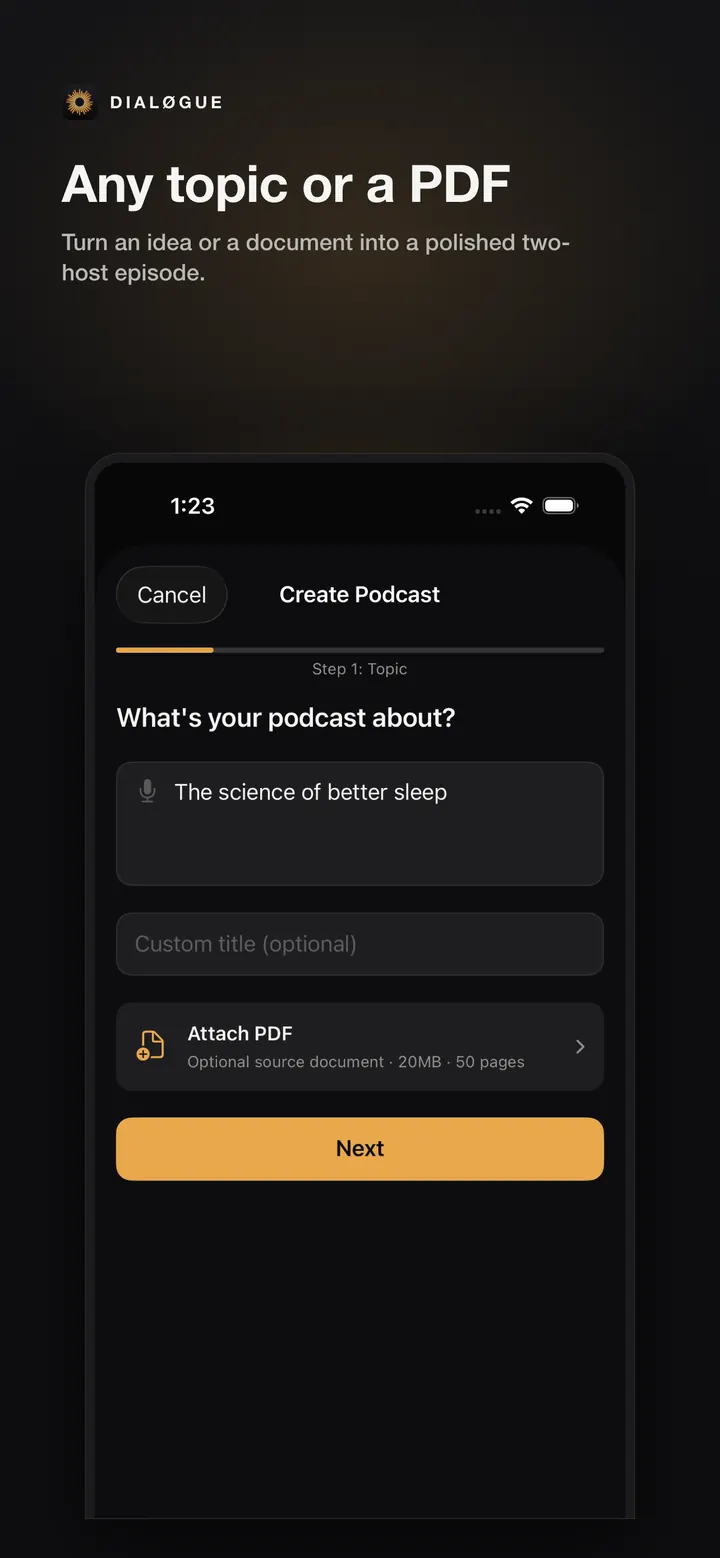
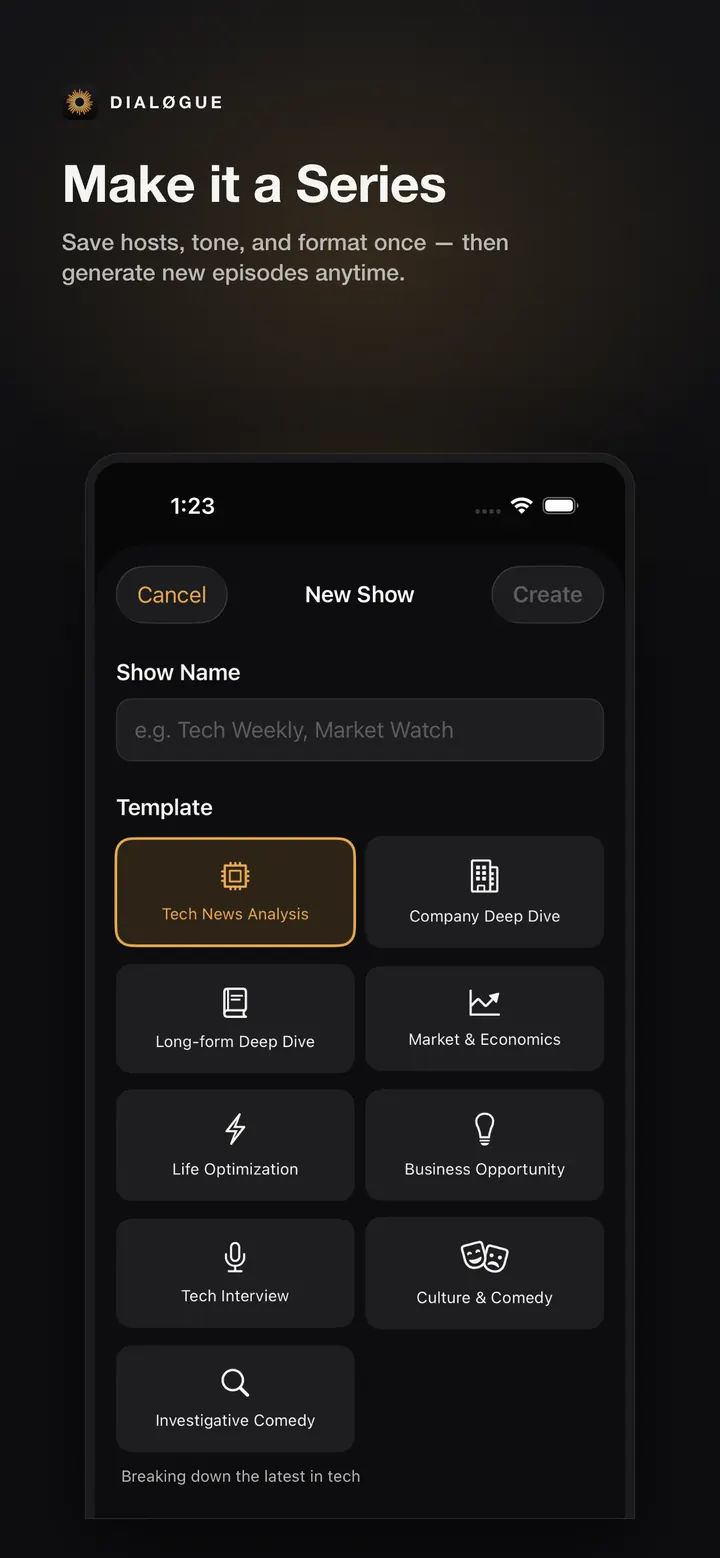
- Create for new podcasts from topics, PDFs, and reusable Series setups
- You for account, credits, downloads, and settings
That may sound small, but it matters. Podcast creation is already a multi-step workflow. The app should not make you manage a dashboard before you can make or listen to something.
Review before audio
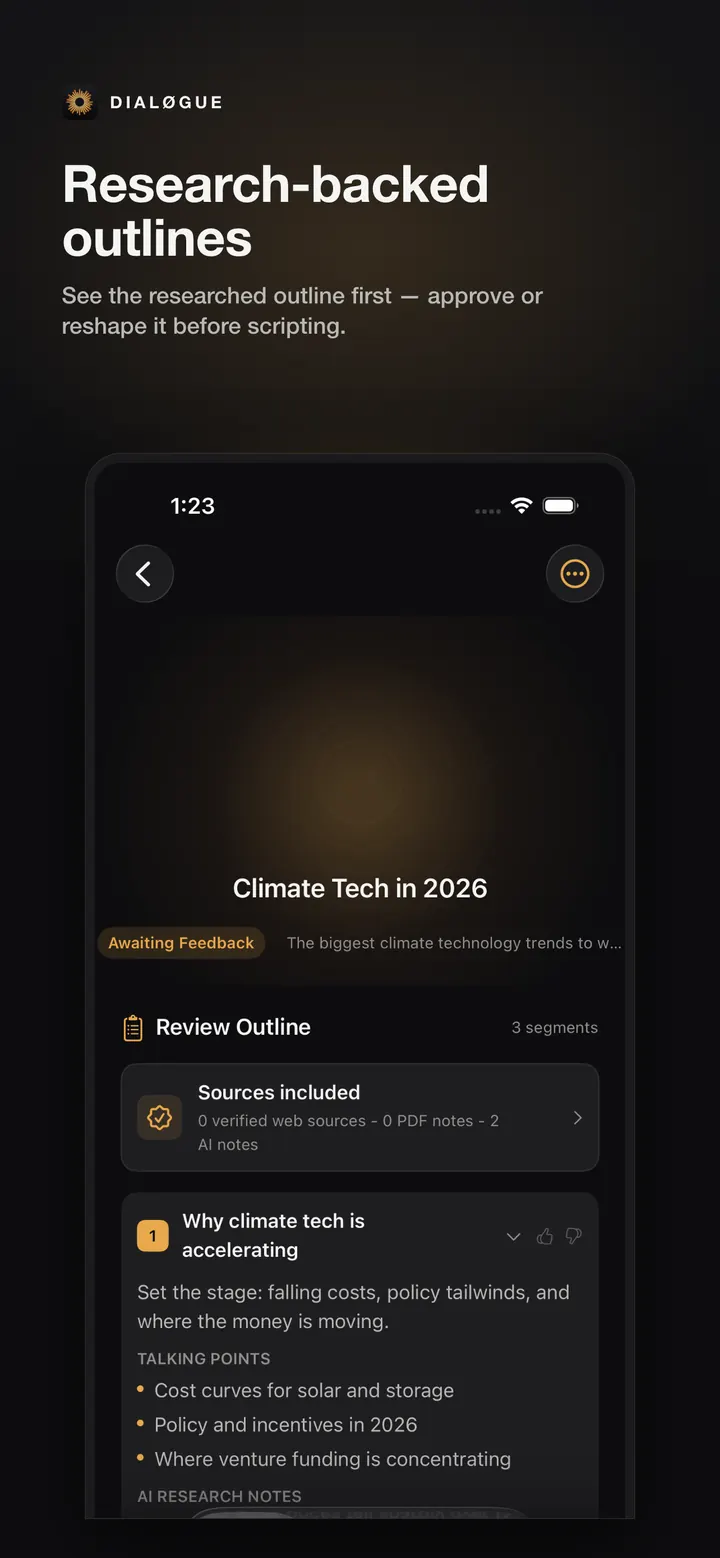
The iOS flow keeps the two moments that matter most: outline review and script review. You can approve the direction before the app writes the full episode, then review the script before audio generation.
This is especially useful for business, education, opinion, and multilingual episodes where tone and framing matter as much as the topic itself.
Listening is more than a play button
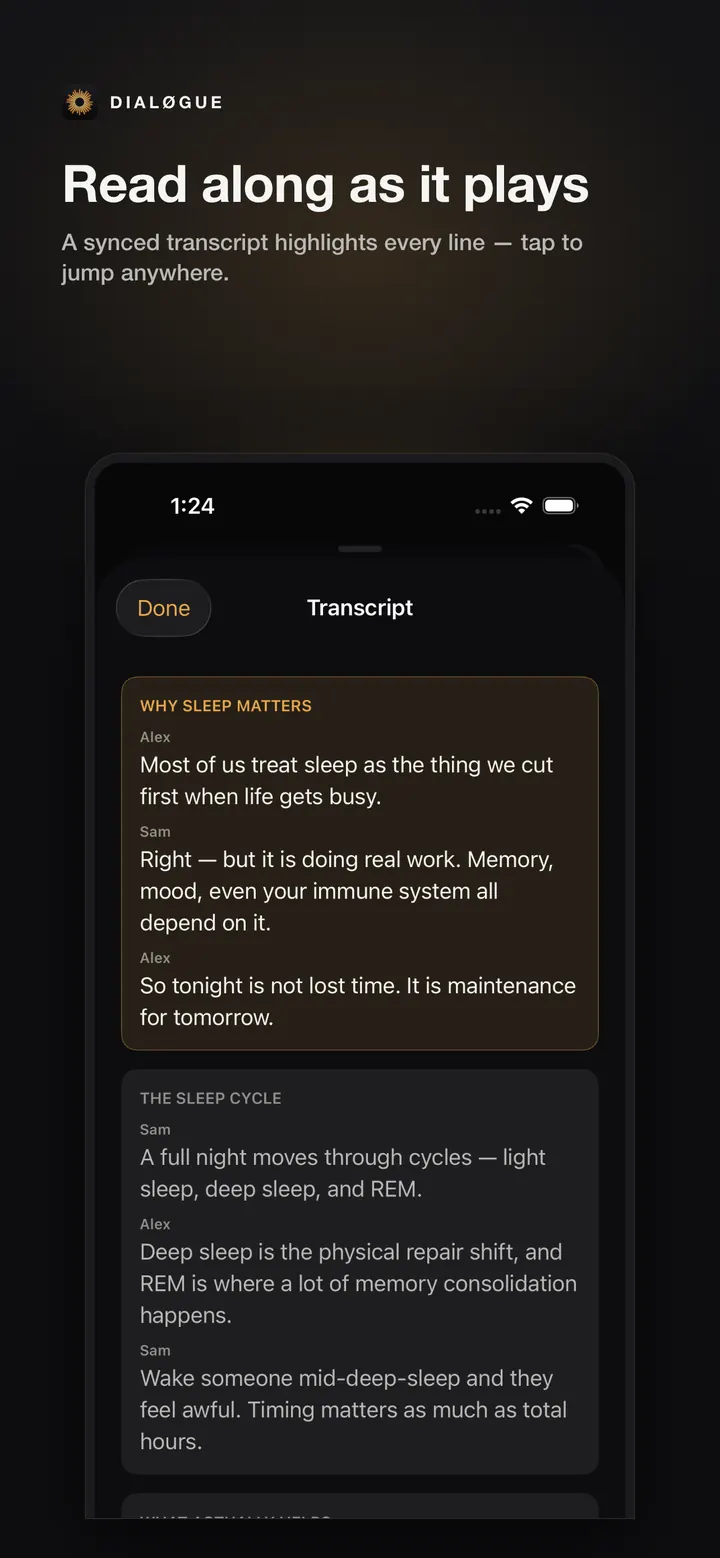
Finished episodes now have a stronger listening surface: synced transcript, tap-to-seek, and a calmer detail view. That makes DIALØGUE useful after generation, not only during creation.
Offline and repeatable workflows
You can download episodes for offline listening, and Series lets you save a repeatable setup for recurring shows. If you publish updates regularly, the goal is to remove repeated setup work without hiding the review steps.
Built for seven languages
The App Store package is localized for English, Vietnamese, Japanese, Korean, Spanish, Chinese, and French. That includes screenshots, not only listing copy.
This matters because multilingual podcast creation is not just a translation feature. The product needs to feel native at the point where the user is creating, reviewing, and listening.
What to try first
If you are new to DIALØGUE, start with one specific topic or a PDF you already trust. Review the outline, adjust anything that feels off, then let the app write the script and generate the audio.
The fastest way to understand the new iOS flow is to create one episode end to end.
Written by
Chandler NguyenAd exec turned AI builder. Full-stack engineer behind DIALØGUE and other production AI platforms. 18 years in tech, 4 books, still learning.
Related Articles
Ready to create your own podcast?
Turn any topic or document into a professional podcast — with outline and script review before audio.
Create a Podcast